
Get started with Infinity Wallet
Follow these simple steps to set up your wallet, secure your funds and start exploring the world of digital assets — in just a few minutes.
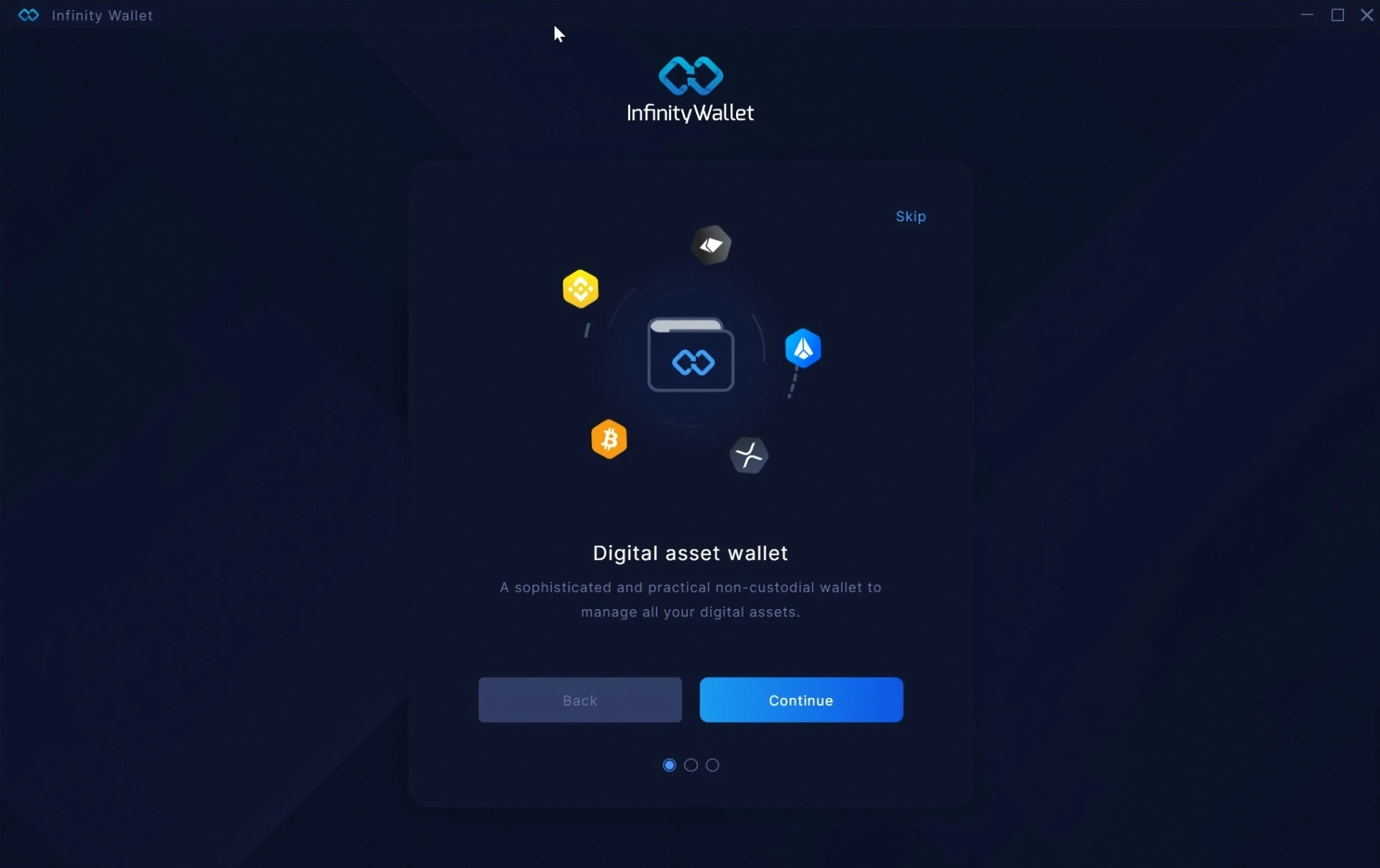
Welcome to Infinity Wallet
Your journey starts here. Infinity Wallet is a sophisticated non-custodial wallet that lets you manage all your digital assets — Bitcoin, Ethereum, BNB, and 260+ more — in one beautiful interface. Your keys, your coins, always.
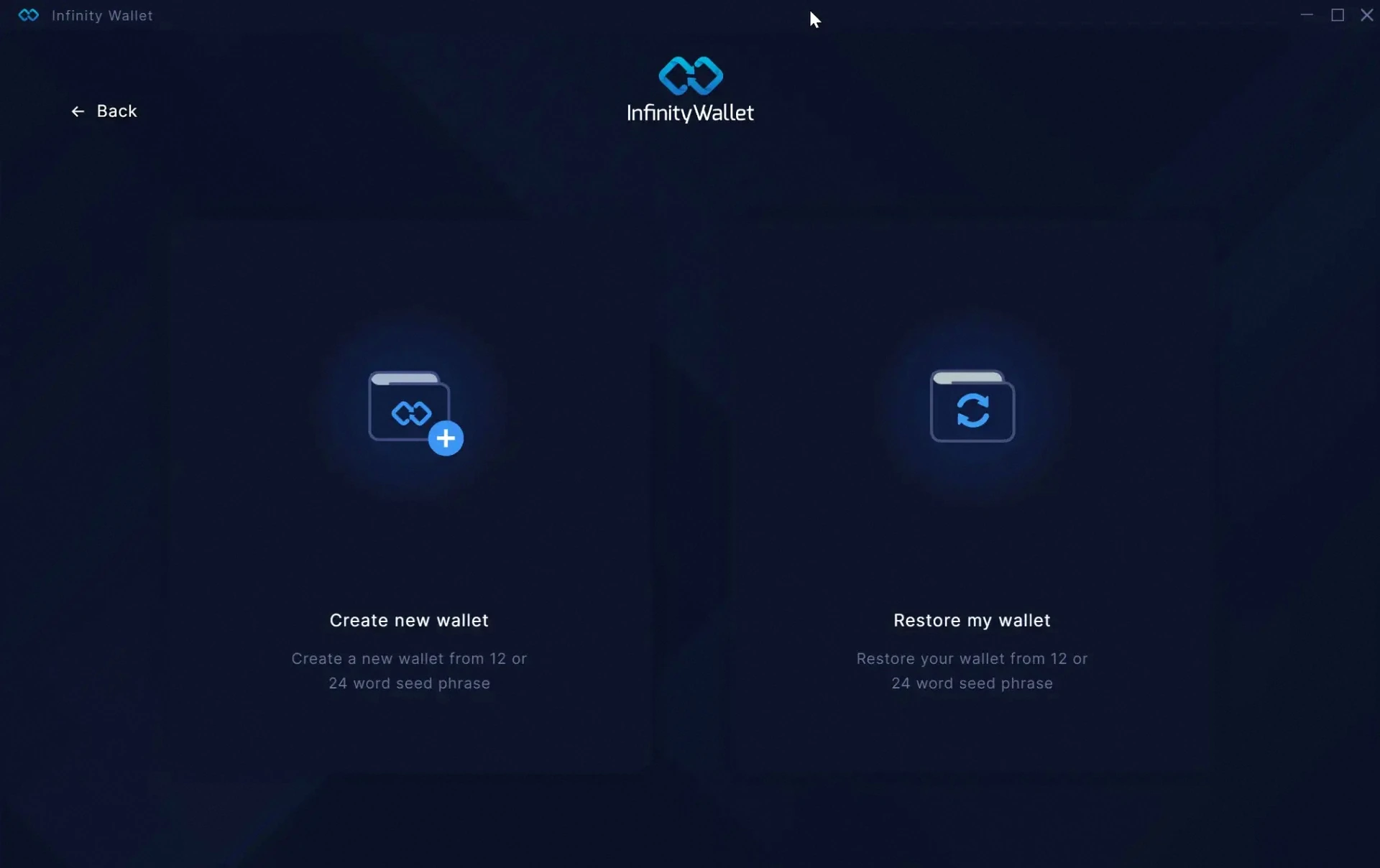
Create or restore your wallet
Choose Create new wallet to generate a fresh wallet, or Restore my wallet if you already have a 12 or 24-word recovery phrase from another wallet. Both options give you full ownership and control.
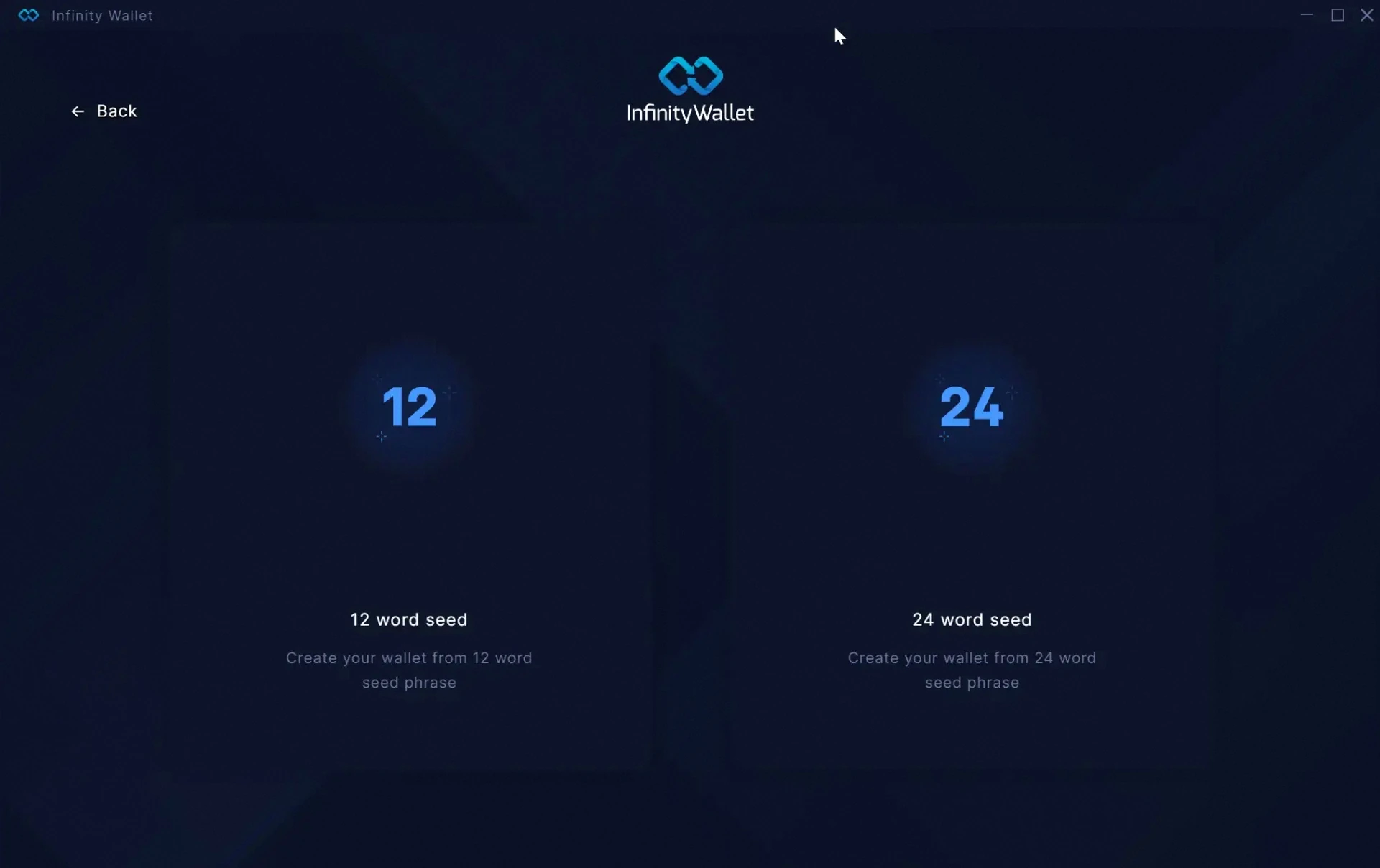
Pick your seed length
Select between a 12 or 24-word seed phrase. The 24-word option provides stronger security and is recommended for users who hold significant balances or value maximum protection.
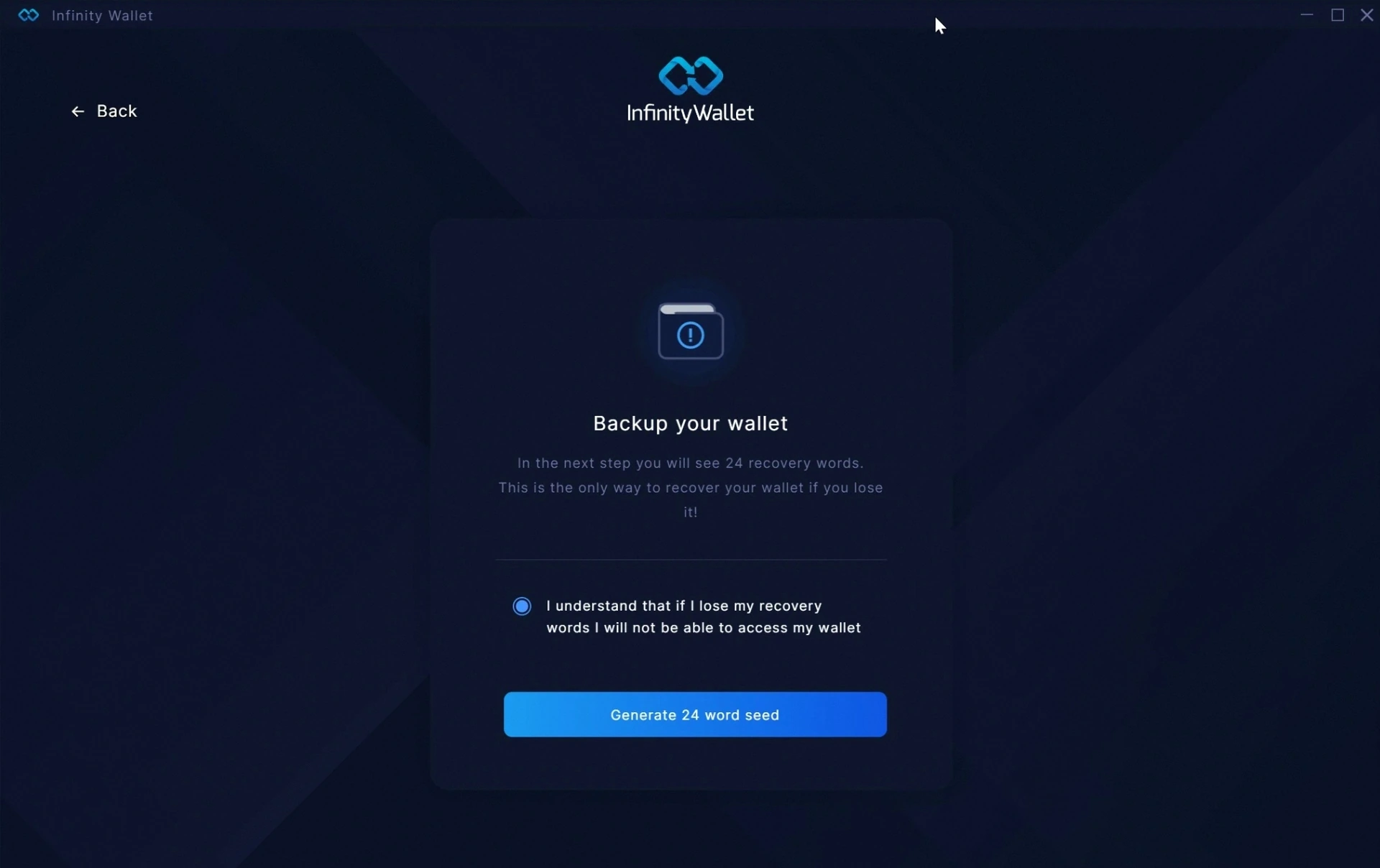
Understand the responsibility
Your recovery phrase is the only way to restore access to your wallet. If you lose it, no one — not even us — can recover your funds. Confirm you understand before continuing to the next step.
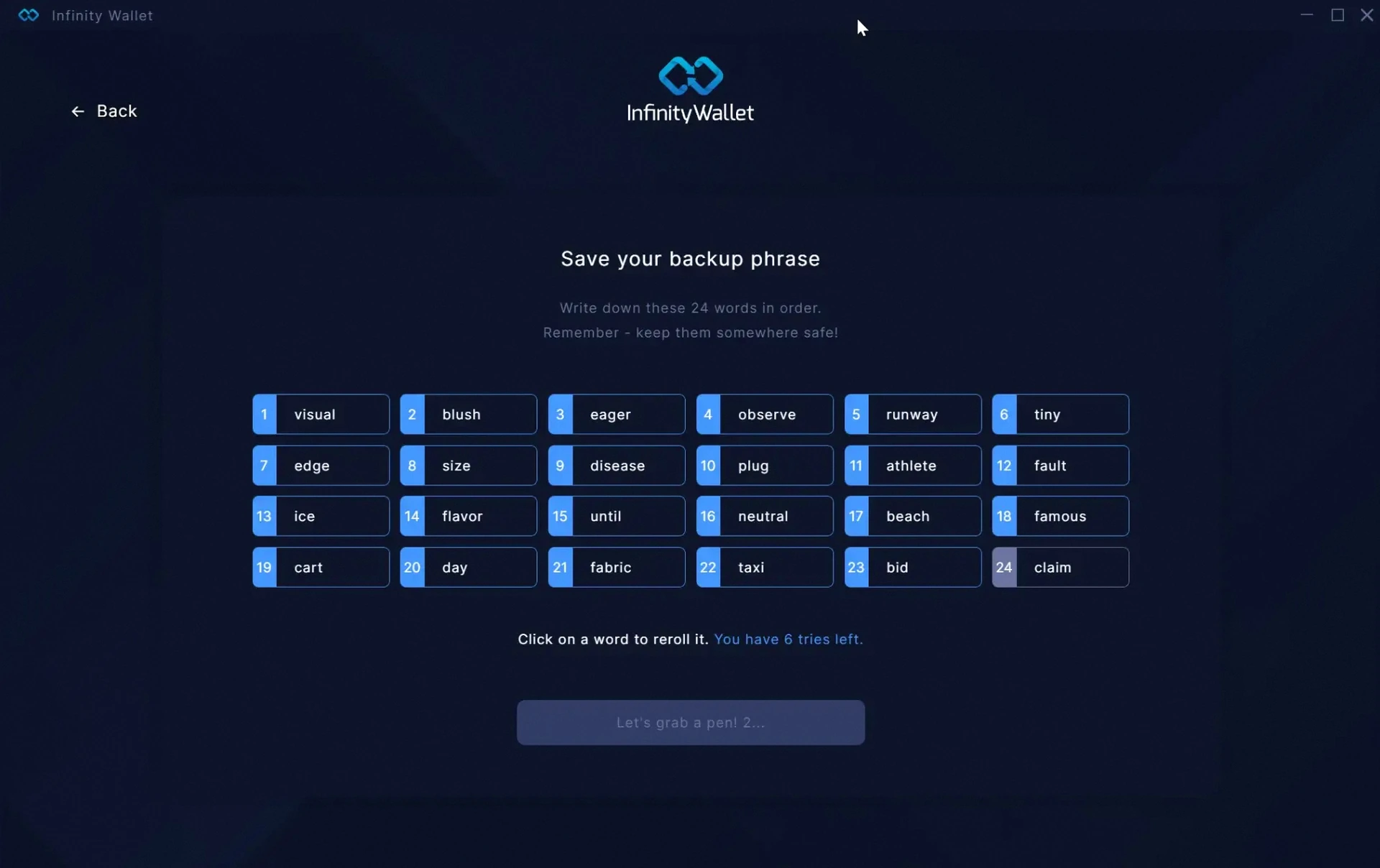
Save your backup phrase
Write down the words in exact order on paper and store them somewhere safe — never digital, never online. You can reroll the phrase a few times until you get one you like. These words are the master key to your wallet.
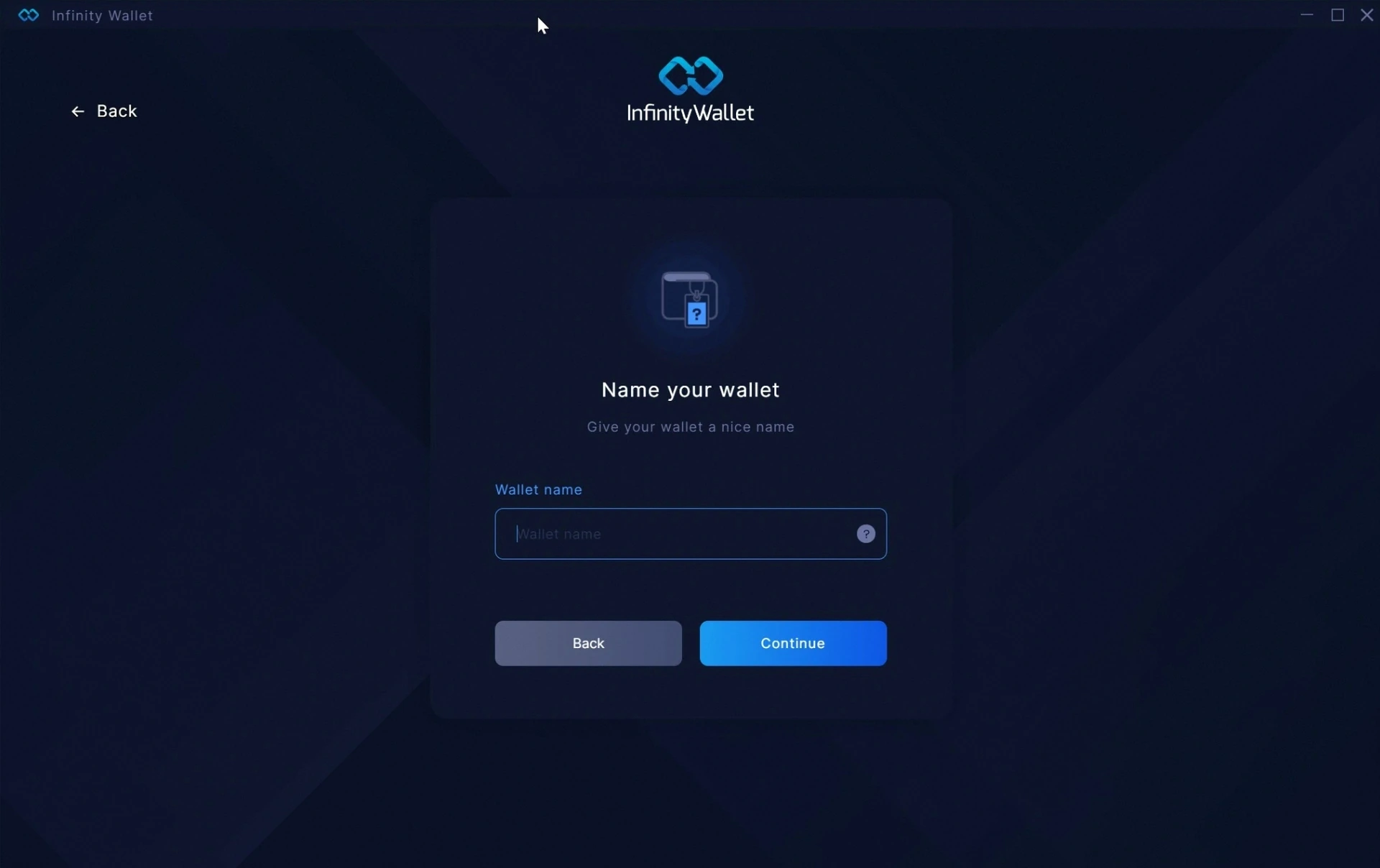
Name your wallet
Give your wallet a friendly name so you can recognize it easily. You can create multiple wallets later for different purposes — savings, trading, NFTs — and switch between them with a click.
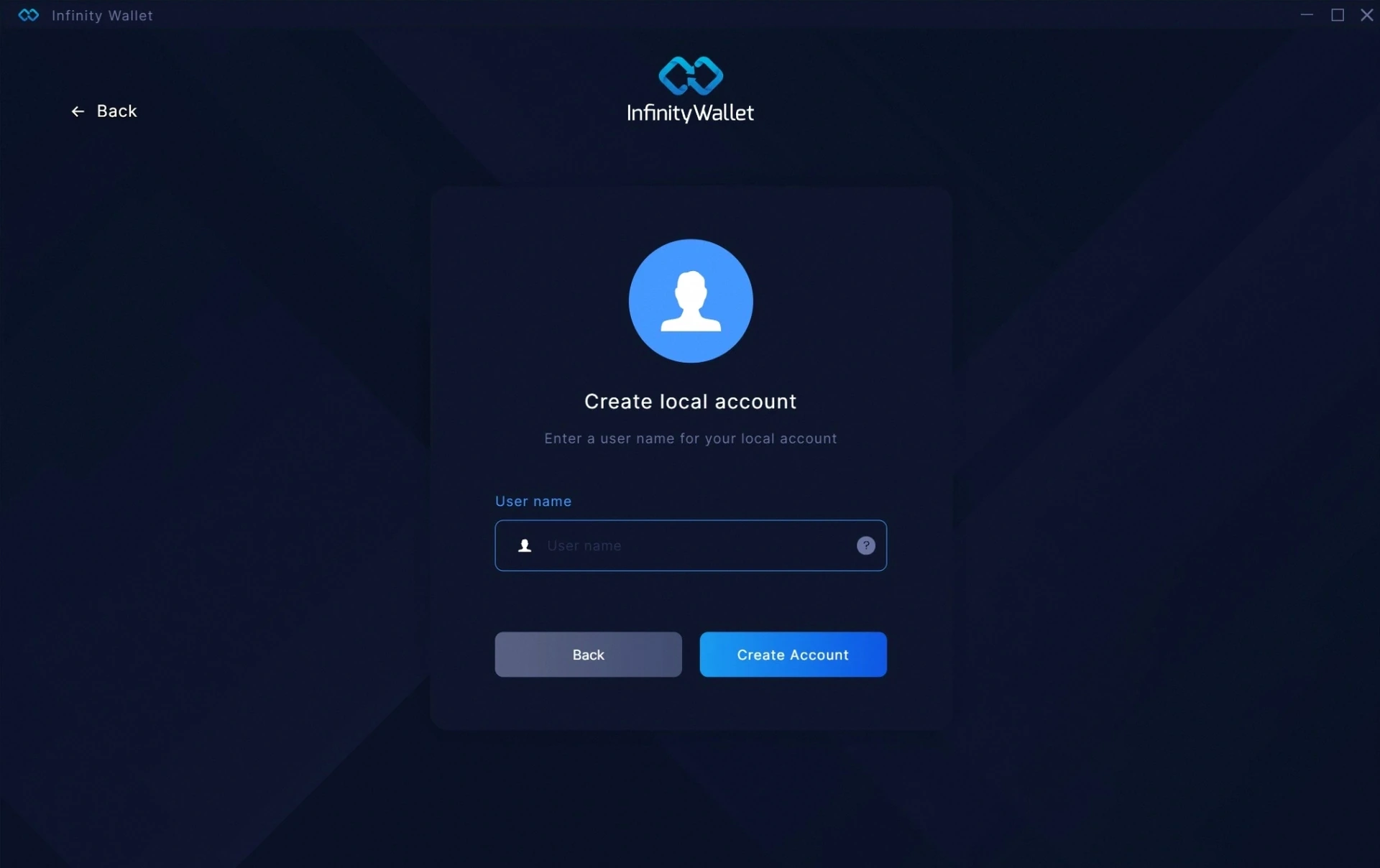
Create your local account
Choose a username for your local account on this device. It stays on your machine and is used only to identify your profile inside the app. No email, no sign-up, no tracking.
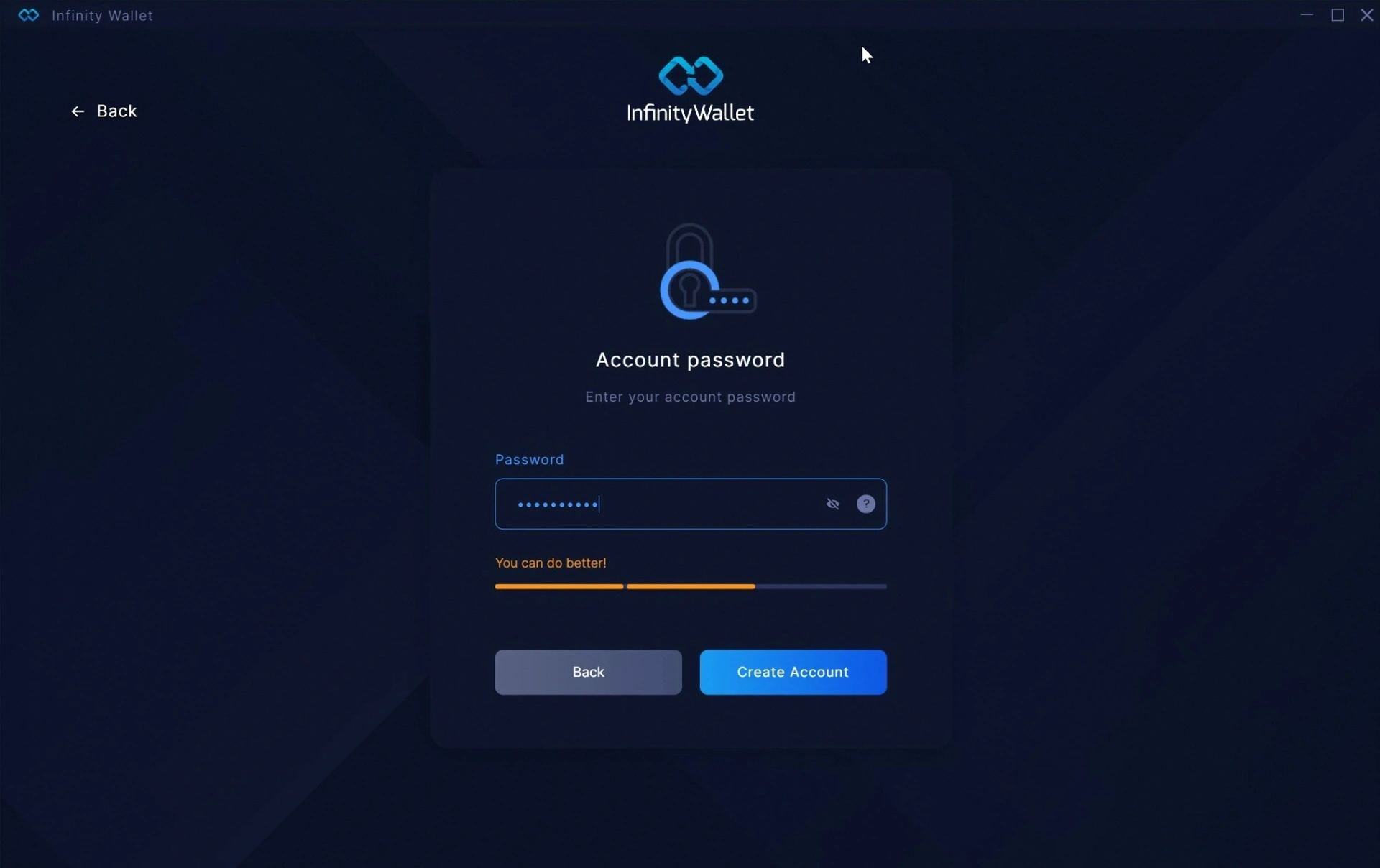
Set a strong account password
Your password encrypts your wallet locally. Use a mix of upper and lowercase letters, numbers and symbols to reach the strongest level. Aim for the green bar — this password protects everything.
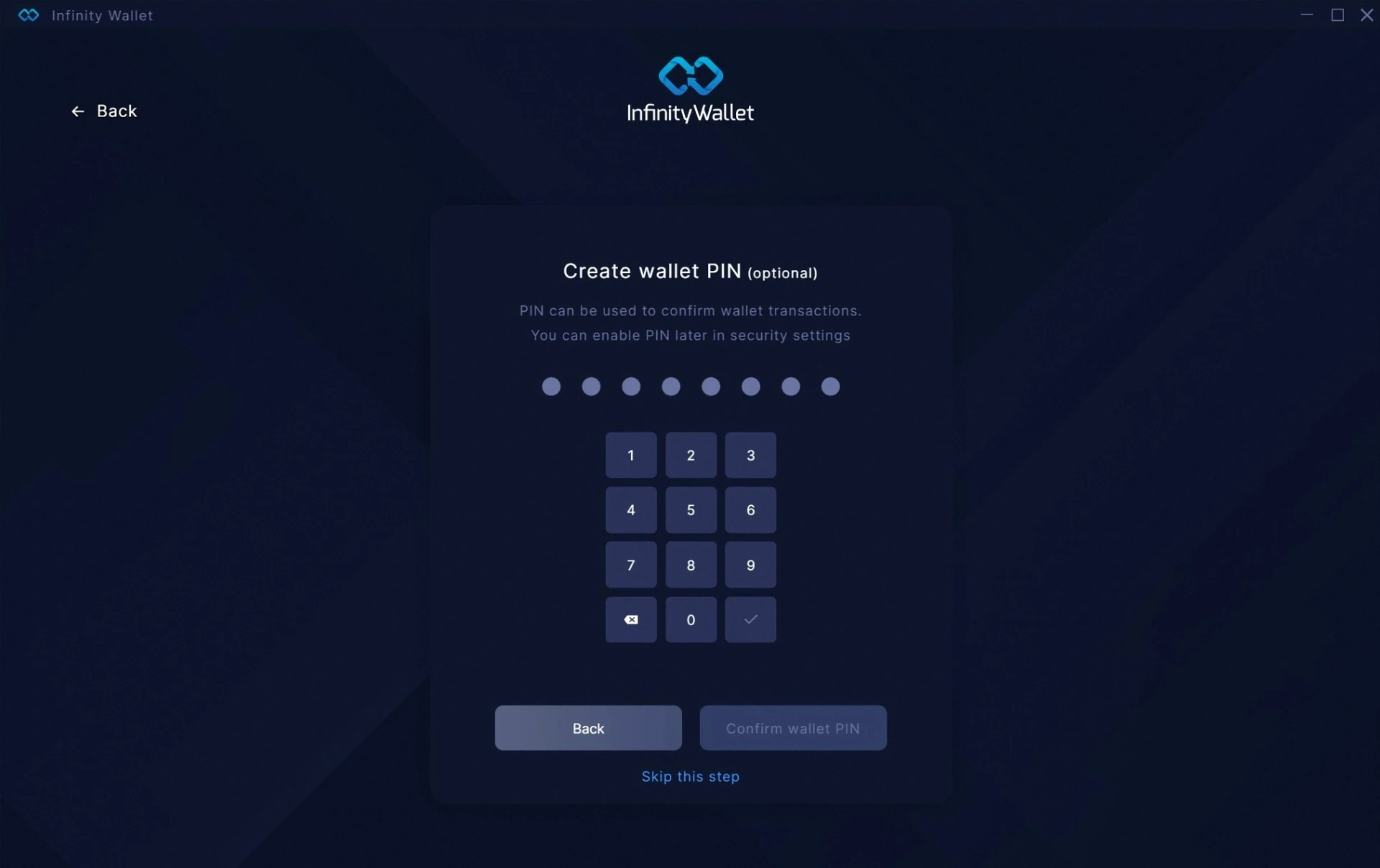
Optional — add a wallet PIN
A PIN adds an extra layer of confirmation for transactions. It's optional but recommended. You can skip this step and enable it later from the Security settings at any time.
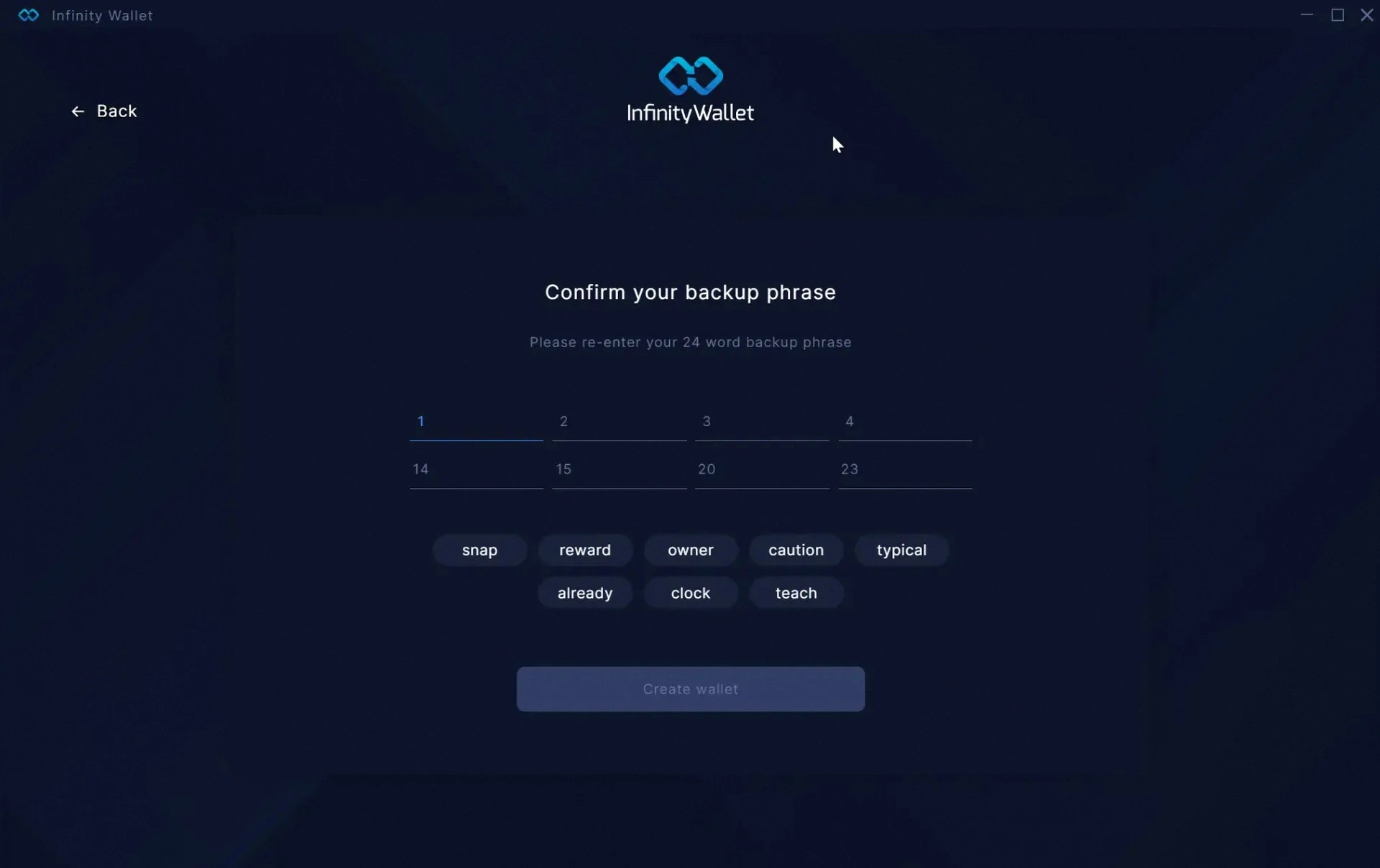
Confirm your backup phrase
Time to prove you saved your recovery phrase. Select the correct words in the right order from the suggested options. This makes sure you actually wrote them down — and can restore your wallet later.
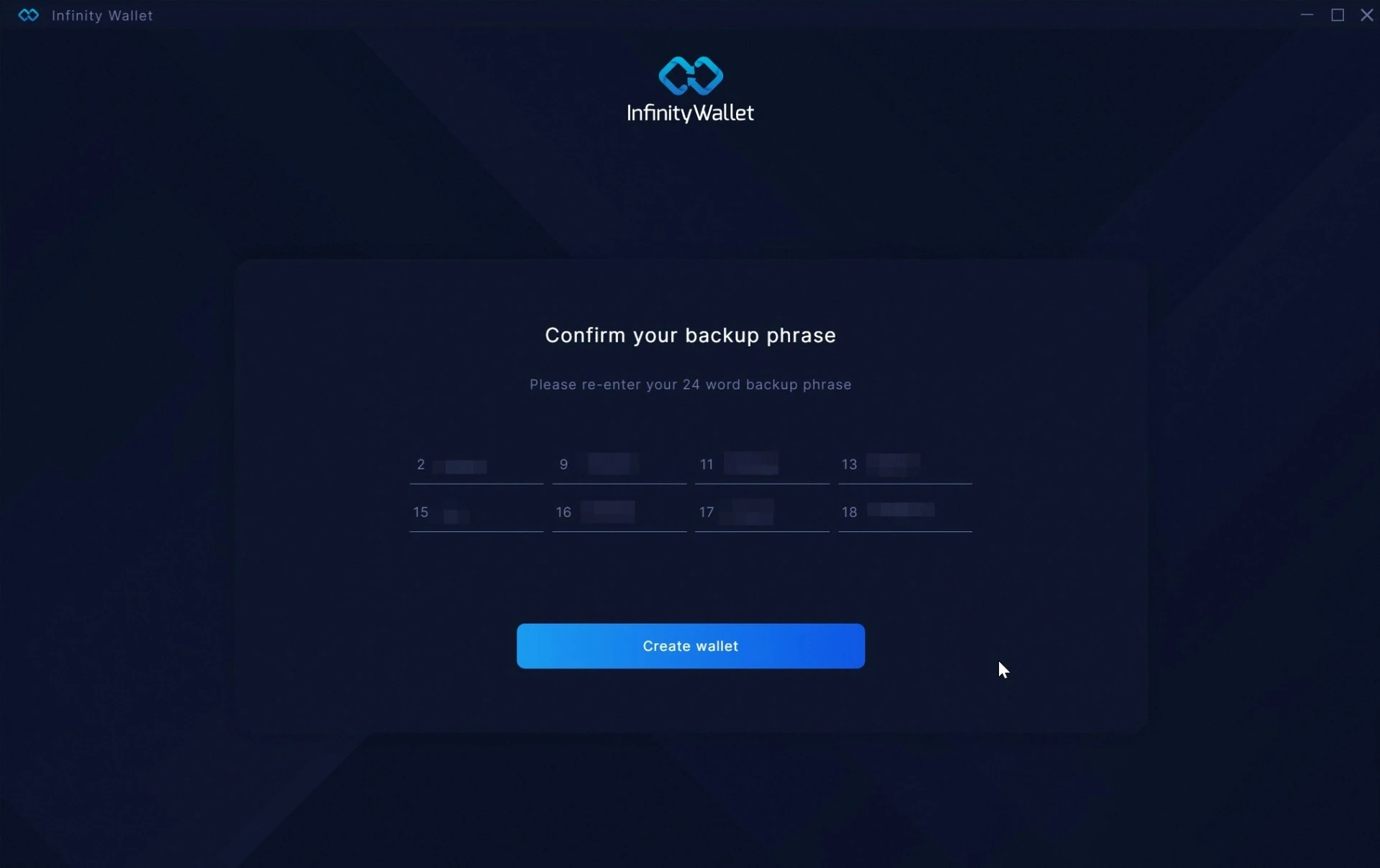
Re-enter the remaining words
Type the rest of your 24-word phrase into the matching slots. Once all positions are filled correctly, the Create wallet button lights up and you're ready to finalize.
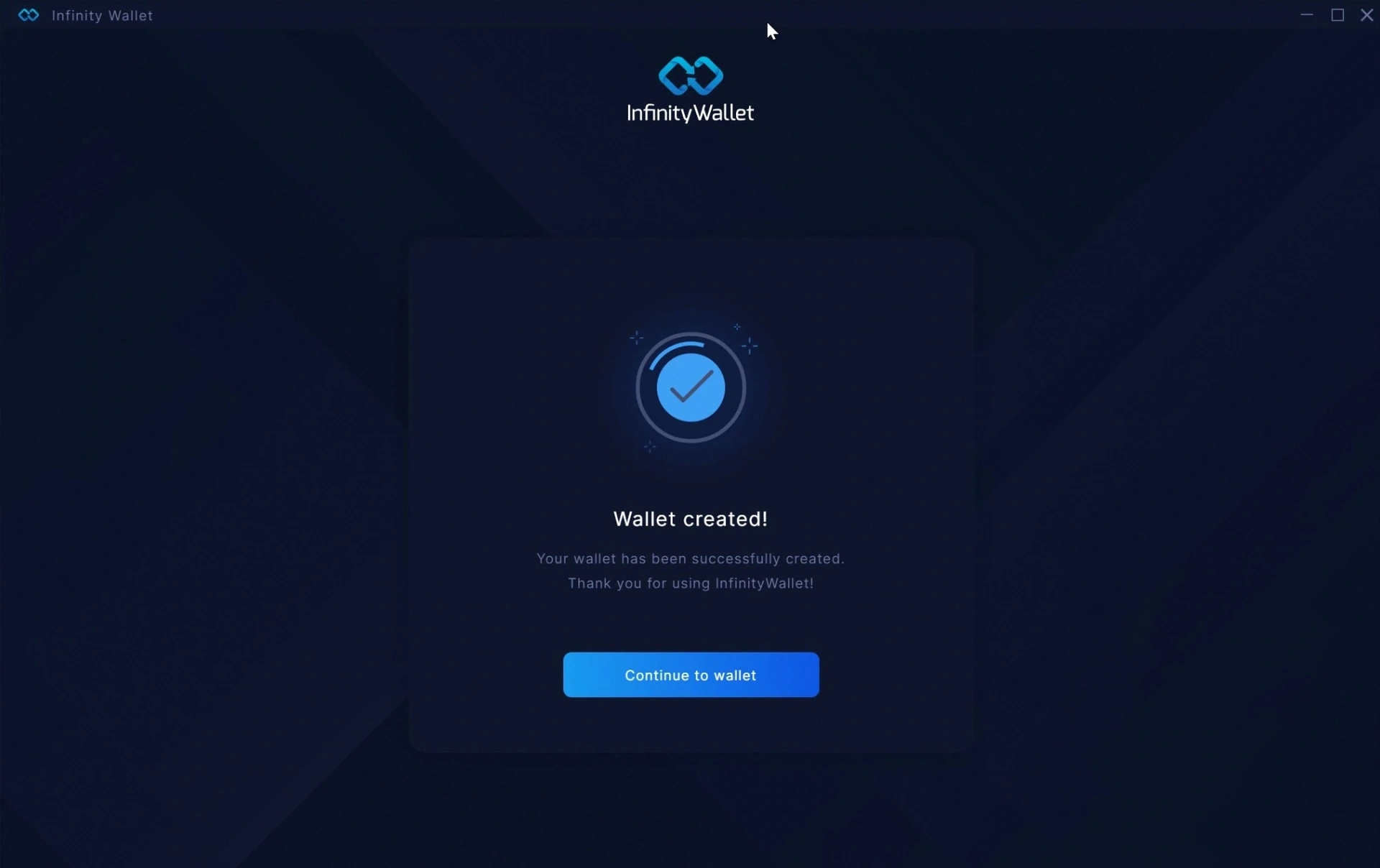
Wallet created!
That's it — your Infinity Wallet is ready. Click Continue to wallet to enter your dashboard, view balances, send and receive crypto, swap across 260+ coins and explore everything Infinity Wallet has to offer.
Ready to take control of your assets?
Download Infinity Wallet and complete these steps in under five minutes.
Download Infinity Wallet